
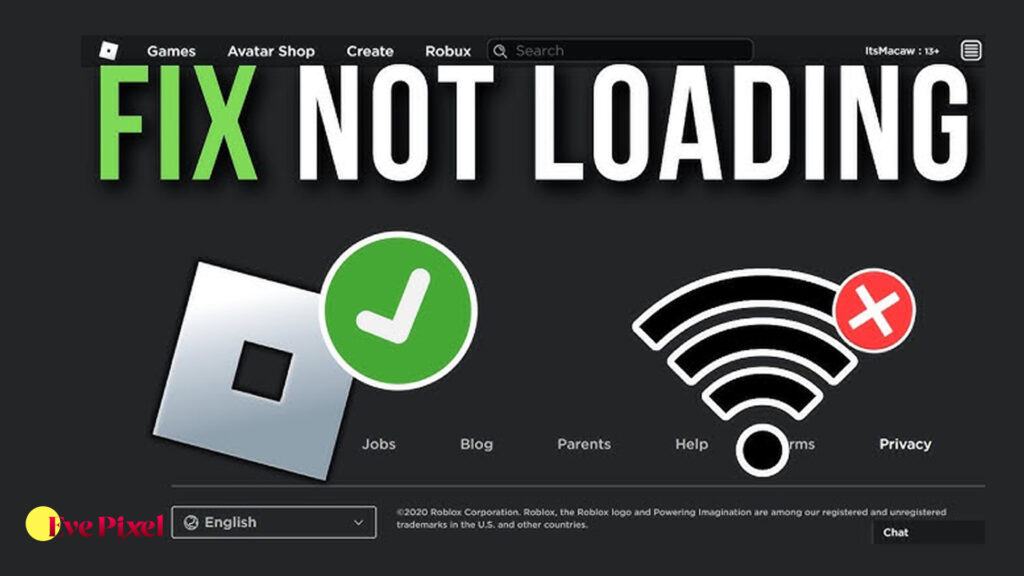
Roblox not loading on hotel WiFi is a common issue faced by travelers, students, and families staying in hotels or resorts. You may notice Roblox stuck on the loading screen, games failing to join, infinite connecting messages, or the app not opening at all. This problem can be frustrating, especially when Roblox works perfectly on home WiFi or mobile data but suddenly stops working on a hotel network.
Hotel WiFi networks are designed differently from home internet connections. They often use strict security rules, bandwidth limits, firewalls, and content filters to manage hundreds of users at the same time. These restrictions can interfere with online games like Roblox, which require stable and open network connections to load servers and game data properly.
Why Roblox Does Not Load on Hotel WiFi
Hotel WiFi networks prioritize security and basic browsing rather than online gaming. Many hotels block or limit gaming traffic to prevent excessive bandwidth usage. Roblox relies on real-time server communication, which can be restricted by hotel firewalls.
Another reason is captive portals. Hotel WiFi often requires users to accept terms or log in through a browser. If this step is incomplete or timed out, Roblox cannot connect properly. Network congestion is also a major factor, as dozens or hundreds of guests may be using the same connection at once.
Step 1: Complete the Hotel WiFi Login Properly
Before opening Roblox, make sure the hotel WiFi login page is fully completed. Open a web browser and try loading a regular website. If a login or terms page appears, accept it completely.
If Roblox is opened before completing this step, the app may fail to load because the network has not granted full access yet.
Step 2: Restart Roblox After Connecting to WiFi
Once the WiFi login is completed, close Roblox completely and reopen it. Roblox needs to refresh its connection after the network becomes active.
If Roblox was already running while connecting to hotel WiFi, it may still be using a blocked or incomplete network session.
Step 3: Restart Your Device
Restarting your device clears temporary network conflicts and resets WiFi permissions. Hotel networks can behave unpredictably, and a restart often helps establish a clean connection.
This simple step fixes loading issues more often than expected, especially on laptops and tablets.
Step 4: Switch Between Roblox App and Browser
If the Roblox app does not load on hotel WiFi, try accessing Roblox through a web browser instead. Sometimes the app is blocked while browser traffic is allowed.
If the browser version loads but the app does not, the issue is likely related to network restrictions rather than your account or device.
Step 5: Check If Roblox Is Blocked on the Network
Some hotel WiFi networks actively block gaming services. If Roblox loads partially but cannot join games, the network may be blocking game servers or ports.
This is common in hotels that limit online gaming to reduce bandwidth usage. In such cases, the issue is not with Roblox itself.
Step 6: Reduce Network Load
Hotel WiFi is shared by many users. Streaming videos, downloads, or cloud backups running in the background can worsen loading problems.
Closing unnecessary apps and limiting background internet usage can improve Roblox loading speed and stability.
Step 7: Change Roblox Graphics Settings
On slower hotel WiFi connections, Roblox may struggle to load large game assets. Lowering graphics settings helps reduce data usage and loading time.
This does not fix network restrictions, but it can help Roblox load more smoothly on weak or congested connections.
Step 8: Use Mobile Hotspot as a Test
If Roblox does not load on hotel WiFi but works on mobile hotspot, the issue is confirmed to be the hotel network. This test helps rule out account or device problems.
Using a hotspot is often more stable for gaming, but data usage should be monitored carefully.
Step 9: Why Roblox Loads Slowly on Hotel WiFi
Even when Roblox loads, games may take longer than usual. Hotel WiFi connections often have high latency and limited bandwidth.
This can cause slow loading, lag, and disconnections. Multiplayer games are especially affected because they require constant data exchange.
Can Hotel WiFi Cause Roblox Error Codes
Yes, hotel WiFi can trigger Roblox error codes related to connection timeouts and server issues. These errors happen when the network blocks or delays data packets.
This does not mean your Roblox account is broken. The same account usually works fine on other networks.
Is It Safe to Use Roblox on Hotel WiFi
Using Roblox on hotel WiFi is generally safe, but public networks are less secure than private ones. Avoid entering sensitive account information on shared networks.
Logging out after playing and enabling account security features helps protect your account while traveling.
What You Should Not Do
Avoid downloading third-party tools that claim to bypass hotel WiFi restrictions. These can be unsafe and may violate hotel policies or Roblox rules.
Do not repeatedly reinstall Roblox if the issue is clearly network-related. This rarely helps and can waste time.
Why Roblox Works at Home but Not in Hotels
Home networks are optimized for personal use and allow gaming traffic freely. Hotel networks are designed for general browsing and controlled usage.
This difference explains why Roblox works normally at home but fails to load on hotel WiFi, even on the same device.
FAQ
Why does Roblox not load on hotel WiFi but works on mobile data?
Hotel WiFi often blocks or limits gaming traffic, while mobile data does not.
Can hotel WiFi completely block Roblox?
Yes, some hotels block online games to manage bandwidth.
Does reinstalling Roblox fix hotel WiFi issues?
Usually no, because the problem is network-related.
Why is Roblox stuck on loading screen in hotels?
This is often caused by firewalls, captive portals, or slow shared connections.
Is using a hotspot better for Roblox in hotels?
Yes, hotspots are usually more stable for gaming than hotel WiFi.
Can I ask hotel staff to unblock Roblox?
Some hotels may help, but many have fixed network policies.
Roblox not loading on hotel WiFi is usually caused by network restrictions, firewalls, captive login pages, or shared bandwidth limitations. The issue is rarely related to your Roblox account or device. By understanding how hotel networks work and following simple troubleshooting steps, you can determine whether the problem can be fixed or if an alternative connection is needed. In many cases, switching networks or adjusting expectations is the most practical solution when playing Roblox while traveling.