
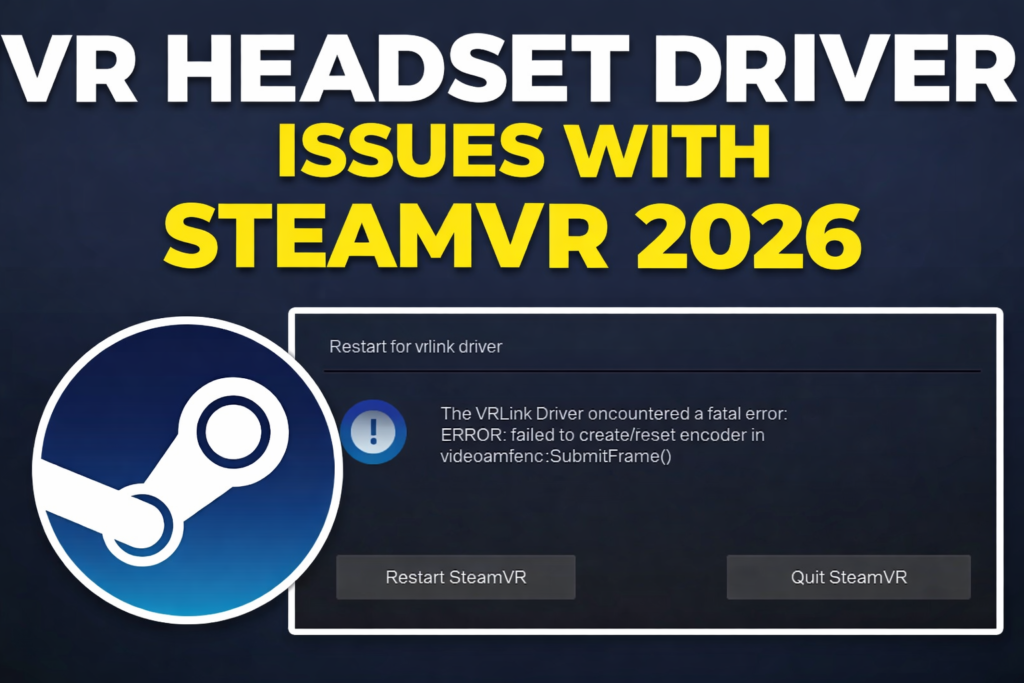
🎮 SteamVR crashes, black screens, or “headset not detected” ruining your VR sessions in 2026? With the latest SteamVR Beta 2.15.1 (Jan 12 update fixing Pico render res), driver glitches persist across Quest Link, Valve Index, HTC Vive, and Pico 4—especially USB conflicts, tracking loss, and launch fails. US PC gamers on Windows 11 hit hardest amid NVIDIA/AMD driver wars. This guide delivers headset-specific fixes, general troubleshooting, and pro tips tested on RTX 40-series rigs. No more rage quits—get back to Beat Saber! 🥽🔧
Common SteamVR Driver Issues in 2026: What’s Breaking?
SteamVR (v2.15+) relies on headset drivers for tracking, rendering, and USB comms. Post-beta woes:
- Headset Not Detected: USB handshake fails (Quest Link/Air Link).
- Black Screens/Crashes: GPU driver mismatches (Error 496, C0000005).
- Tracking Loss: Base stations drift (Index/Vive).
- Launch Fails: Overlays/power plans conflict.
- Quest-Specific: Oculus API vs. Steam clashes.
2026 Triggers: Windows 11 24H2 USB changes, NVIDIA 566.xx drivers, SteamVR beta bugs (Pico fixed, others pending).
Meta Quest (Quest 3/3S/Pro) Link/Air Link Fixes
Quest dominates SteamVR PCVR—Oculus app + Link cable woes top complaints.
Quick Steps
- Update Everything: Oculus app → Device Setup → Update firmware/drivers. SteamVR → Beta branch.
- USB Fix: Quest Link cable → DisplayPort USB 3.0 port. Run Oculus USB troubleshooter.
- API Switch: Oculus Settings → General → API → Steam (fixes black screens).
- Air Link: Quest Settings → Experimental → Air Link → Optimize for low latency.
Quest Table:
| Issue | Fix Priority |
|---|---|
| Not Detected | USB 3.0 + Oculus troubleshooter |
| Black Screen | API to Steam + restart |
| Lag/Tracking | Wired Link over Air |
Pro Tip: Disable Oculus Home Theater—conflicts with SteamVR overlays.
Valve Index Driver Drama: Base Stations & Cables
Index’s lighthouse tracking shines, but drivers flake.
- Rerun Room Setup: SteamVR → Devices → Index → Recalibrate.
- Driver Reinstall: SteamVR → Manage Add-ons → Index → Uninstall/Reinstall.
- USB Power: High-power USB hub; avoid front ports.
Index Fixes Table:
| Symptom | Root Cause | Solution |
|---|---|---|
| Tracking Lost | Base station drift | Rerun room setup |
| No Connection | Cable/USB | Secure all links; update drivers |
| Crashes | SteamVR beta | Revert to stable |
HTC Vive/Pro Fixes: Legacy but Solid
Vive’s Steam-native—fewer issues, but firmware lags.
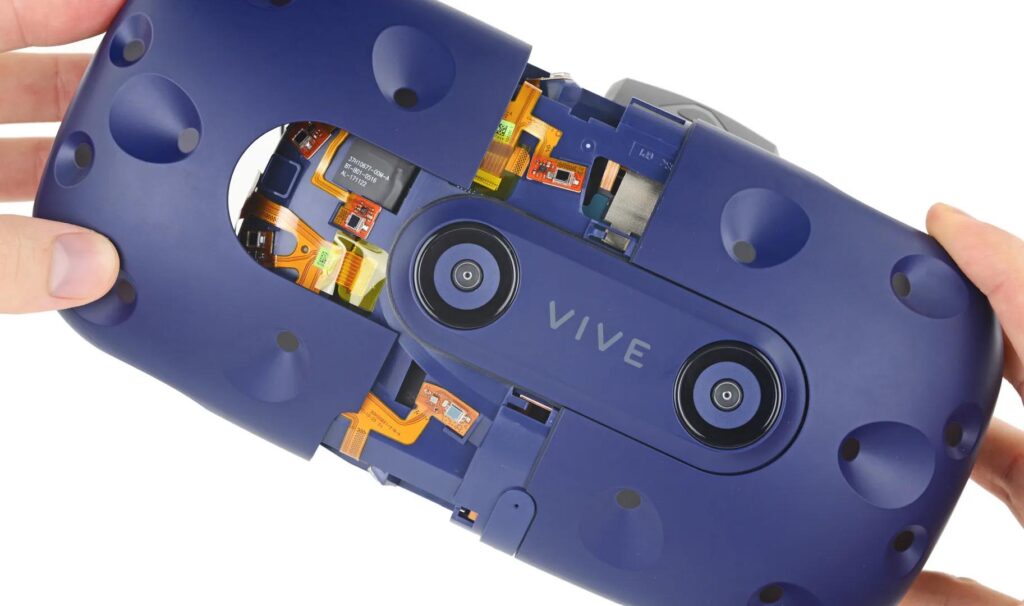
- Firmware Check: SteamVR → Devices → Vive → Update.
- Base Stations: Power cycle; check IR interference.
- Driver Reset: Uninstall Vive drivers via Device Manager → Reinstall.
Vive Quick Wins:
- Black screen? Run SteamVR as admin.
- Tracking? Clean lenses/sensors.
Pico 4/Neo Fixes: New Kid on Block
Beta 2.15.1 boosted res (2160×2160)—but USB persists.
- Pico Connect: USB 3.0 + ASW off.
- Driver Update: Pico app → Firmware.
Universal SteamVR Driver Fixes (Works for All)
Step-by-Step Master Fix (90% Success):
- GPU Drivers: Clean install latest NVIDIA/AMD (DDU tool).
- Power Plan: High Performance (Windows Search > Power Options).
- SteamVR Reset: Library → SteamVR → Properties → Local Files → Verify Integrity.
- Disable Overlays: Steam Overlay off; NVIDIA GeForce Experience off.
- USB Selective Suspend: Device Manager → USB → Properties → Power Management off.
- Restart Order: PC off → Headset off → Boot PC → Launch SteamVR → Headset on.
Universal Table:
| Error/Code | Fix Sequence |
|---|---|
| Not Launching | Verify files + admin run |
| C0000005 Crash | GPU clean install |
| Error 496 | Cable reseat + room setup |
| USB Not Recog | Selective suspend off |
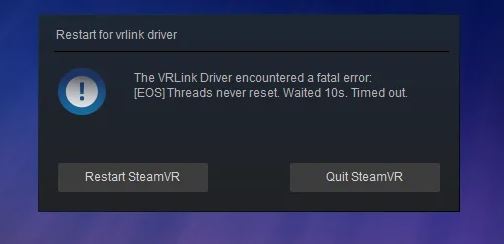
User Hack: “DDU + SteamVR beta revert = Index perfection!”
SteamVR Pros & Cons (2026 Edition)
Pros:
- Universal support (Quest to Vive).
- Beta fixes roll fast (Pico res boost).
Cons:
- Driver fragility on Windows 11.
- Beta bugs (opt-in wisely).
Alternatives: OpenXR or Headset Native
- OpenXR: SteamVR toggle off → Native apps (Quest Horizon).
- Quest Standalone: Skip PCVR for wireless.
SteamVR drivers = finicky but fixable. Try the master sequence now—which headset? Comment your win/error! Happy VRing! 🥽✨