
The Epic Games Store (EGS) has become one of the major digital game marketplaces in the United States and around the world. It offers exclusive titles, free weekly games, and a growing library of big-name releases. But in 2026, a wave of performance complaints from users has surfaced — ranging from slow app load times to lagging downloads, unstable UI, and inconsistent responsiveness.
This blog post breaks down what players are reporting, common performance problems, practical fixes, and why these issues matter for the U.S. gaming audience. ⚠️
🧠 What Is the Epic Games Store?
The Epic Games Store is a digital marketplace where players can:
- Buy and install PC games
- Download free titles offered weekly
- Manage game libraries
- Receive updates and patches
It competes with platforms like Steam and Microsoft Store, and is especially popular with users who enjoy exclusive games like Fortnite, Among Us, Control, and more.
Despite its success, recent complaints suggest there are persistent performance concerns that impact user experience.
🧩 Common Performance Complaints in 2026
🚀 1. Slow App Load Times
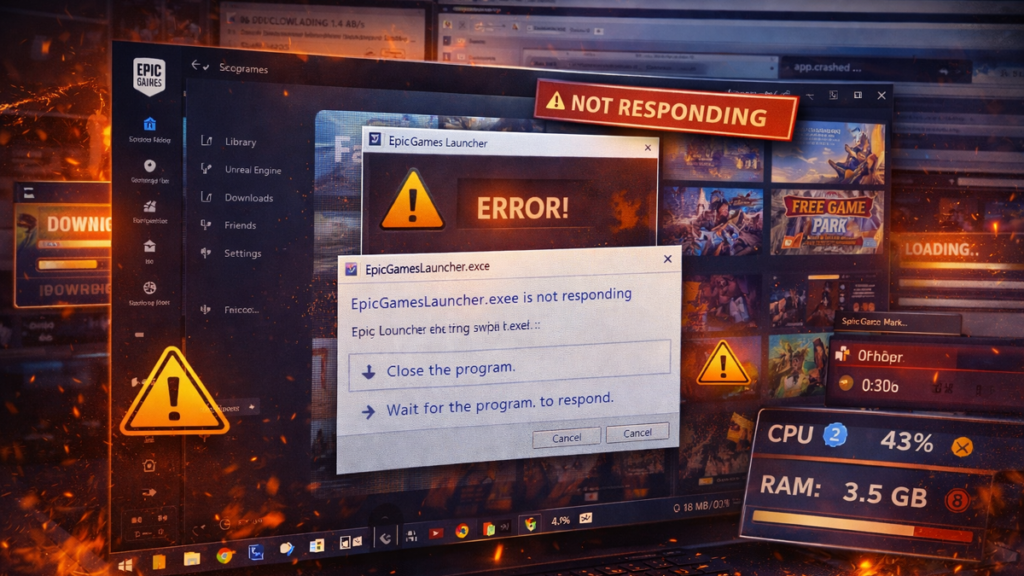
Many users report that the Epic Games Store:
- Takes too long to open
- Freezes on launch
- Gets stuck on the loading screen
This can be especially frustrating if you just want to jump into a game quickly.
⬇️ 2. Slow Download Speeds
Gamers in the U.S. have noticed:
- Downloads start fast, then slow down
- Pauses or stalls mid-download
- Inconsistent speed even with fast internet
Slow downloads can delay patching and make joining friends in games harder.
📱 3. UI Lag & Freezes
Epic’s launcher interface sometimes:
- Stutters when scrolling
- Freezes when navigating library
- Delays responses to clicks
UI lag can make browsing your games feel clunky and slow.
🔄 4. Patch Management Problems
Players also complain about:
- Updates failing and retrying
- The launcher not recognizing installed games
- Frequent restarts required
These issues often result in lost play time and frustration.
❗ 5. High Resource Usage
Some users report that the Epic Games Store:
- Uses excessive RAM or CPU when idle
- Slows down other applications
- Impacts game performance when running in background
High system resource use can affect overall PC responsiveness.
🧠 Why These Issues Matter
Performance problems on a game launcher matter because:
- 🎮 They disrupt play sessions
- ⏱️ They waste time users could spend gaming
- 🤝 They hurt trust in a platform
- 📈 They compare poorly against competitors
For casual and frequent gamers alike, smooth performance is essential — especially in a marketplace used daily for downloads, updates, and launching games.
🛠️ Practical Fixes for Common Issues
Here are actionable steps players can try:
✅ 1. Clear Cache
Clearing the Epic Games Store cache can fix freezing and slow load times:
- Exit EGS completely
- Open Run (Windows + R)
- Type %localappdata%
- Delete the EpicGamesLauncher folder
✅ 2. Update the Launcher
Ensure Epic Games Store is up to date:
- Some performance issues get fixed in new launcher patches.
✅ 3. Check Internet Connection
Slow downloads may come from:
- Router issues
- ISP throttling
- Wi-Fi interference
Try restarting the router or switching to wired Ethernet.
✅ 4. Disable Background Programs
Closing resource-heavy apps can improve performance:
- Streaming software
- VPNs
- Antivirus scans during downloads
✅ 5. Reinstall the Launcher
If issues persist:
- Backup installed games
- Uninstall EGS
- Reinstall fresh from Epic’s installer
This often fixes corrupted files causing lag.
📊 Epic Games Store vs Competitors (Quick Comparison)
| Feature | Epic Games Store | Steam |
|---|---|---|
| App Load Speed | Mixed ⚠️ | Good ✅ |
| Downloads | Inconsistent ⬇️ | Stable ✅ |
| UI Smoothness | Sometimes Laggy | Generally Smooth |
| Resource Usage | Can Be High | Often Optimized |
| Free Games | Weekly ✓ | Occasional ✓ |
⭐ Pros & Cons of the Epic Games Store
✅ Pros
- Free weekly games
- Strong exclusives
- Simple interface for purchases
- Cross-platform support
⚠️ Cons
- Performance complaints from users
- Launcher load lag
- Download speed issues
- UI responsiveness problems
🎯 Why Players Still Use It
Even with performance complaints, many gamers continue using the Epic Games Store because:
- Free games add value every week
- Exclusive titles are a draw
- The store is simple to navigate once issues are managed
Performance complaints on the Epic Games Store in 2026 highlight challenges in keeping a complex launcher stable, responsive, and efficient. While not every user experiences issues, enough players have reported lag, slow downloads, and UI problems to make performance a real concern.
The good news? Most issues can be mitigated with simple fixes — and ongoing updates from Epic aim to improve stability over time.