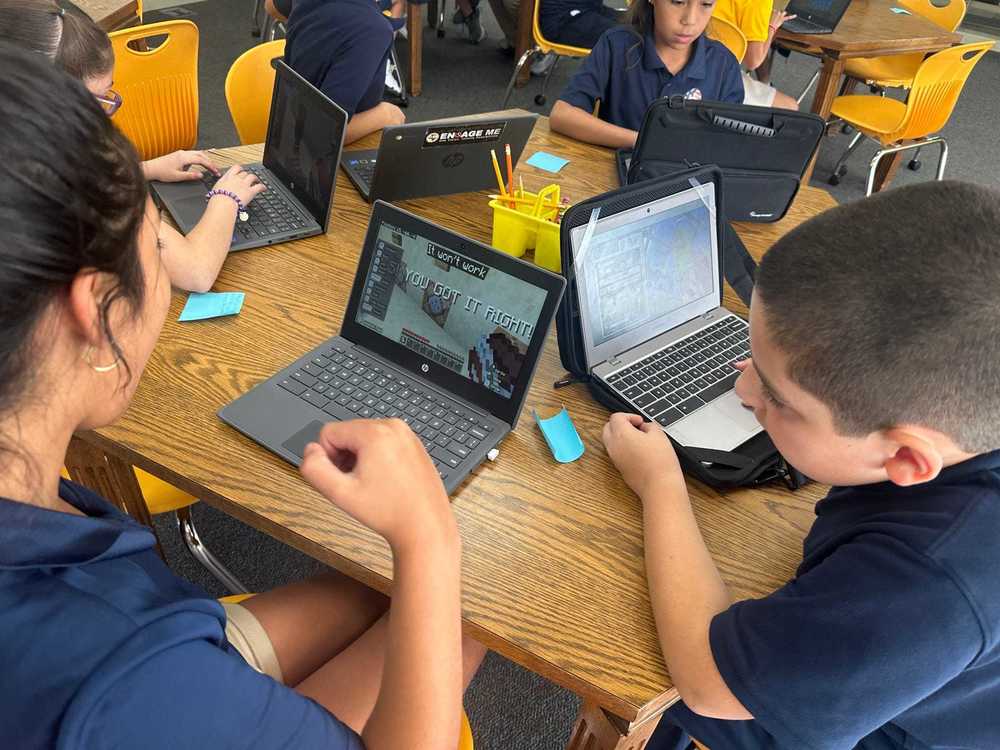

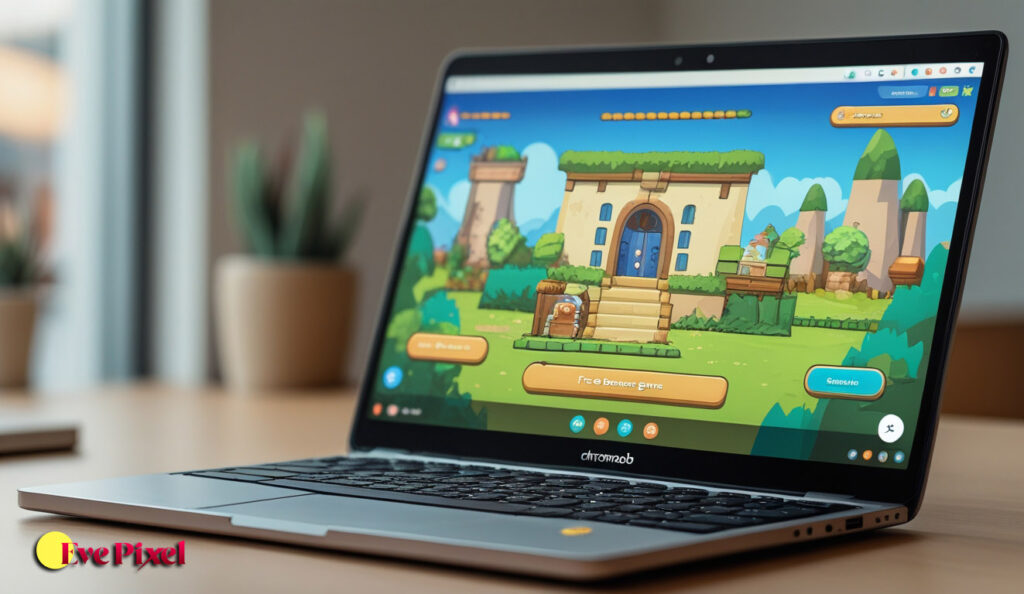
Free games that work on Chromebook are becoming more important as Chromebooks continue to dominate schools, colleges, and budget-friendly home setups. Unlike traditional Windows gaming laptops, Chromebooks rely heavily on web-based apps, cloud services, and lightweight software. This means many popular PC games simply won’t run on Chrome OS. However, that does not mean Chromebook users are left without good gaming options.
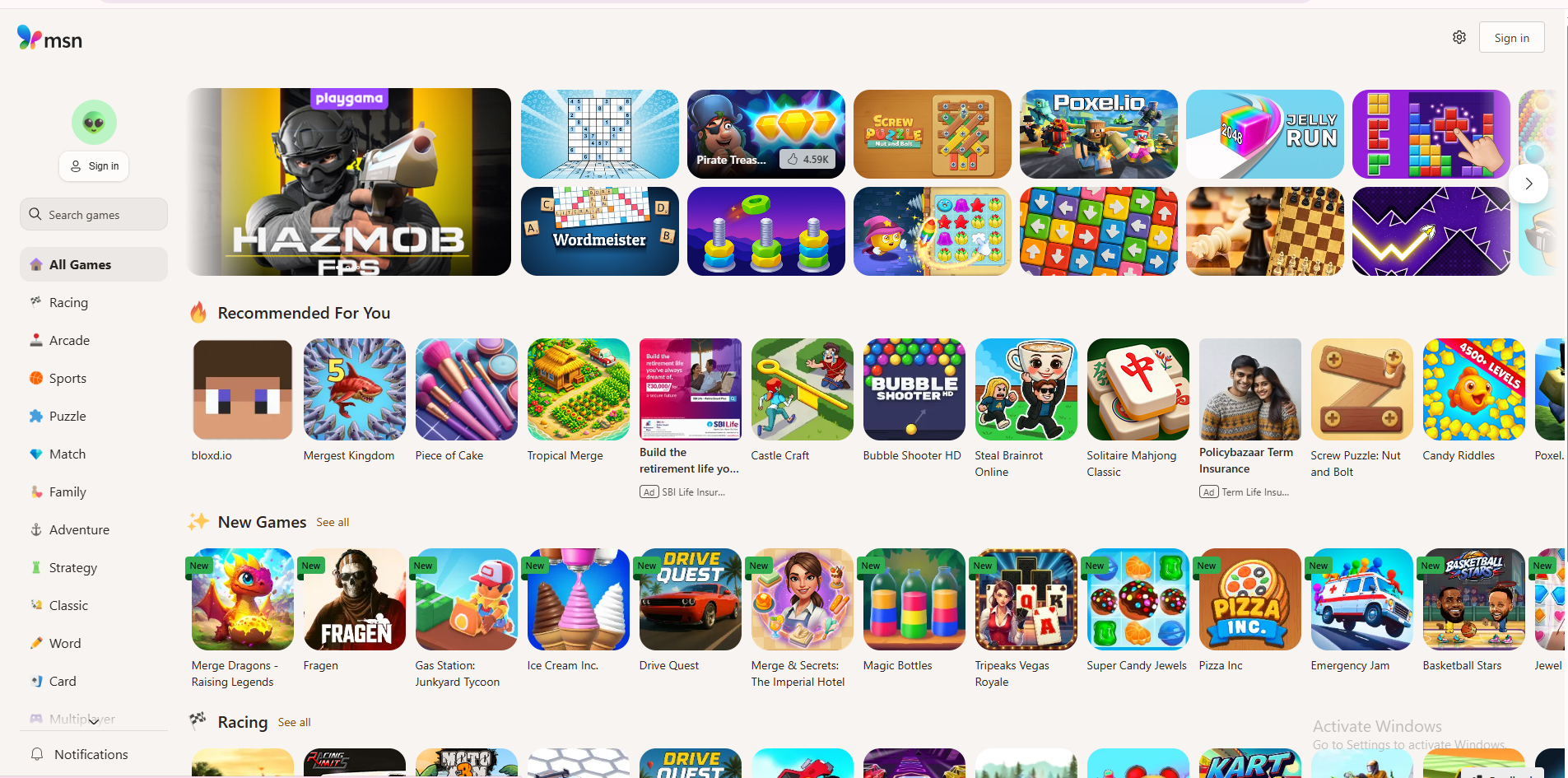
Today, there are many free games designed to work smoothly on Chromebooks without downloads or complicated setup. These games run directly in the browser, use minimal system resources, and are optimized for low-end hardware. From casual puzzle games to competitive multiplayer experiences, Chromebook-compatible games now cover a wide range of genres.
This blog post explains what makes a game Chromebook-friendly, explores the best types of free games available, helps beginners avoid common problems, and ensures everything discussed is safe, legal, and suitable for everyday use. If you use a Chromebook for school, work, or casual gaming, this guide will help you find games that actually run well.
What Makes a Game Compatible With Chromebook
Chromebooks are built around Chrome OS, which is different from Windows or macOS. They do not support traditional PC game installers, and most rely on browser-based technology or Android app compatibility. This means games that work best on Chromebooks are usually built with HTML5, WebGL, or lightweight Android frameworks.
Free games that work on Chromebook typically launch inside the Chrome browser with a single click. They do not require admin permissions, large storage space, or background services. This makes them ideal for school-issued Chromebooks and shared devices.
Another important factor is performance. Chromebook-friendly games are optimized for low RAM usage and integrated graphics. They avoid heavy textures, advanced shaders, and large open-world maps. Instead, they focus on smooth gameplay, simple controls, and short play sessions.
Why Free Games Are Ideal for Chromebook Users
Free games are a perfect match for Chromebooks because they remove both hardware and financial barriers. Many Chromebook users are students or casual players who do not want to spend money on games or upgrades. Free games allow instant access without commitment.
Another benefit is accessibility. Free browser games load quickly and do not require accounts in most cases. This is especially useful for short breaks, school free periods, or casual home use. You can open a tab, play for a few minutes, and close it without affecting your system.
Free games also update automatically. Since they are hosted online, players always access the latest version without manual updates or patches. This keeps gameplay stable and avoids compatibility issues with Chrome OS updates.
Best Types of Free Games That Work on Chromebook
Browser Puzzle and Logic Games
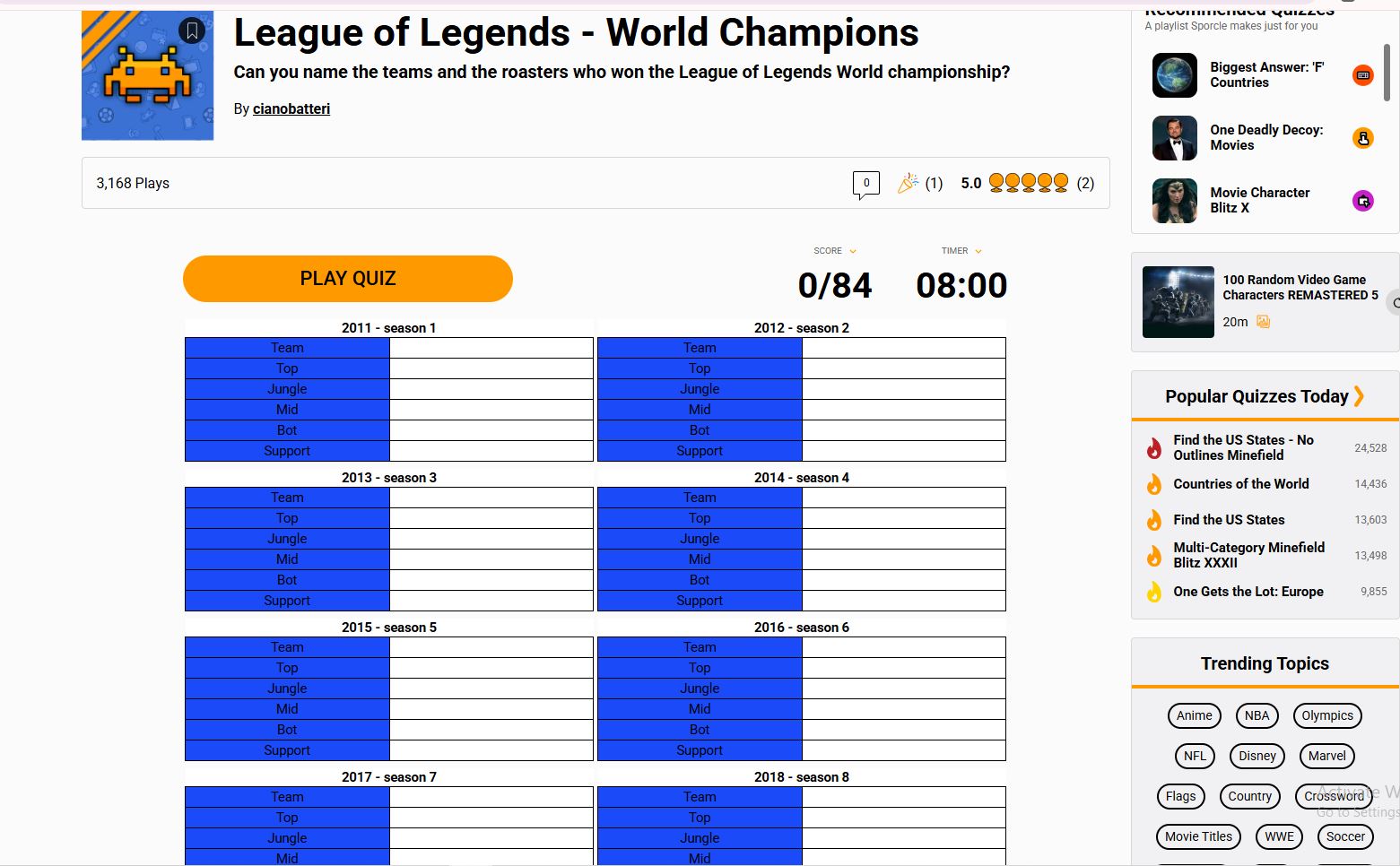
Puzzle and logic games are among the best free games that work on Chromebook. These games rely more on thinking than fast reactions, which makes them beginner-friendly and low on system requirements. They often involve matching, sequencing, word challenges, or problem-solving mechanics.
Because puzzle games use simple graphics and limited animations, they run smoothly on even entry-level Chromebooks. Many are designed for short sessions, making them perfect for quick mental breaks without draining battery life.
Free .io Multiplayer Games
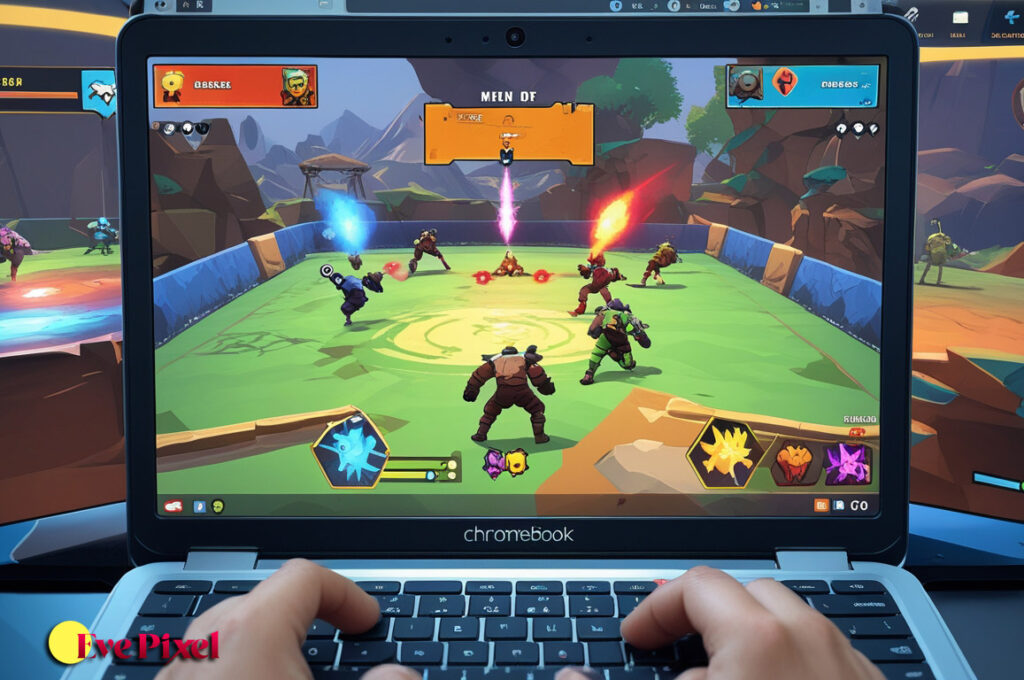
.io games are extremely popular on Chromebooks because they are lightweight and fully browser-based. These games usually involve real-time multiplayer action with simple visuals and controls. Players compete against others in short, fast-paced matches.
Most .io games load quickly, work well on Chrome OS, and do not require downloads or logins. They are ideal for users who want competitive gameplay without complex systems or long matches.
Casual Arcade Games
Casual arcade games focus on quick reflexes, high scores, and repeatable gameplay. These games often take inspiration from classic arcade titles and adapt them for modern browsers.
Arcade games work well on Chromebooks because they use simple mechanics and minimal graphics. They are easy to learn, hard to master, and perfect for beginners who want fun without frustration.
Turn-Based Strategy and Board Games
Turn-based games are another excellent option for Chromebook users. Since actions happen in turns, these games do not rely on high frame rates or fast hardware. Players can take their time planning moves and learning rules.
Many free turn-based games are available online and work smoothly on Chrome OS. They are especially appealing to players who enjoy thinking, planning, and strategy over fast action.
Popular Free Games Chromebook Users Enjoy
Many well-known free games run smoothly on Chromebooks because they are designed with browser compatibility in mind. These include classic puzzle games, simple racing games, multiplayer arena games, and creative sandbox-style experiences.
Indie developers play a big role in this space. Indie browser games are often built to be accessible on a wide range of devices, including Chromebooks. These games may not have realistic graphics, but they offer creativity, originality, and smooth performance.
Another advantage is community support. Many popular browser games have large player bases, tutorials, and forums that help beginners learn quickly and enjoy the game more.
How to Find Free Games That Actually Work on Chromebook
Finding games that work well on Chromebook requires some care. Many websites claim compatibility but still include games that rely on unsupported plugins or heavy system requirements. Chromebook users should look for games labeled as browser-based, HTML5, or Chrome OS compatible.
Trying games directly in the browser is often the best test. If a game loads instantly without prompts to download software, it is likely Chromebook-friendly. Games that offer settings to lower graphics or adjust resolution are also more reliable.
Avoid games that ask for executable downloads or external launchers, as these will not work on Chrome OS.
Common Problems Chromebook Gamers Face
One common issue is lag caused by too many open tabs. Chromebooks have limited RAM, and running multiple browser tabs alongside games can slow performance. Closing unused tabs usually improves gameplay immediately.
Another problem is network restrictions, especially on school-issued Chromebooks. Some gaming sites may be blocked on school networks. Playing on home Wi-Fi or approved platforms often resolves this issue.
Some users also experience control limitations. Not all games are optimized for touchpads, so using a mouse can improve accuracy and comfort when playing browser games.
Tips to Improve Gaming Performance on Chromebook
Keeping Chrome OS updated ensures better performance and compatibility with modern web games. Updates often include browser improvements that directly affect game performance.
Lowering in-game settings, if available, can make a noticeable difference. Even simple options like reducing animations or effects can help games run smoother.
Using a wired internet connection or stable Wi-Fi improves multiplayer game performance. Since most Chromebook games run online, a stable connection is just as important as hardware.
Also Read: Low end pc games for beginners Updated 2026
Safety and Legality
Free games that work on Chromebook are safe and legal when played on reputable platforms. These games do not require downloads, which reduces the risk of malware.
Players should avoid unofficial sites offering modified or cracked games. Sticking to trusted platforms ensures a safer experience and protects personal data.
For students, it is important to follow school usage policies and only play games during approved times.
FAQ
Can Chromebooks play games for free?
Yes. Many free browser-based games work smoothly on Chromebooks.
Do Chromebook games require downloads?
No. Most Chromebook-compatible games run directly in the browser.
Are free Chromebook games safe?
They are safe when played on reputable platforms without downloads.
Can Chromebooks run multiplayer games?
Yes. Many .io and browser multiplayer games work well.
Do I need a mouse to play games on Chromebook?
Not always, but a mouse can improve control for many games.
Are Chromebook games good for beginners?
Yes. Many are designed with simple controls and short sessions.
Free games that work on Chromebook prove that you don’t need powerful hardware to enjoy gaming. With browser-based technology and lightweight design, these games offer fun, accessibility, and smooth performance on Chrome OS devices. Whether you enjoy puzzles, casual arcade games, or multiplayer action, there are plenty of free options available. By choosing the right types of games and following basic performance tips, Chromebook users can enjoy a reliable and enjoyable gaming experience without spending money or installing software.